Choose the receiving document size
Use the size requested by the person or service receiving the PDF. A4 is 210 × 297 mm. US Letter is 8.5 × 11 inches. A4 is slightly narrower and taller; the formats are not interchangeable when exact paper size matters.
These are document requirements, not rules about every user in a country. Check the submission or printing instructions. Epson’s paper-size specifications provide an independent reference for A4 and Letter dimensions.
Images to PDF creates a new PDF from supported images. It does not resize pages in an existing PDF. Cropping an existing PDF changes its visible area and is not equivalent to converting it to a new paper size.
Understand fit, orientation and margins
Fit to image sizes a page from the image’s pixel dimensions and the chosen Resolution (DPI), between 72 and 300. A higher DPI places those same pixels in a smaller physical area; it does not create extra image detail. This mode uses automatic orientation.
A4 or US Letter fixes the paper dimensions. Portrait makes the page taller than it is wide; landscape makes it wider. Automatic orientation follows each image’s shape, so a set can contain both orientations. Use an explicit orientation if every page must face the same way.
Images keep their proportions and are centred. The fit can shrink an image to stay within the available area; it does not enlarge a smaller image just to fill the paper. This can leave generous white space. It does not stretch or crop the image to cover the page.
Small margins reserve at least 5 mm on each side of fixed paper; the centred fit can leave more. With Fit to image, the margins add space around the image. No margins removes that reserved border, but a mismatch between image shape and fixed paper can still leave white space.
Try two original practice images
Our example combines a 900 × 1200 JPG programme and a 1200 × 800 PNG session diagram. The PNG has transparency. Each image becomes one PDF page, in the selected image order.
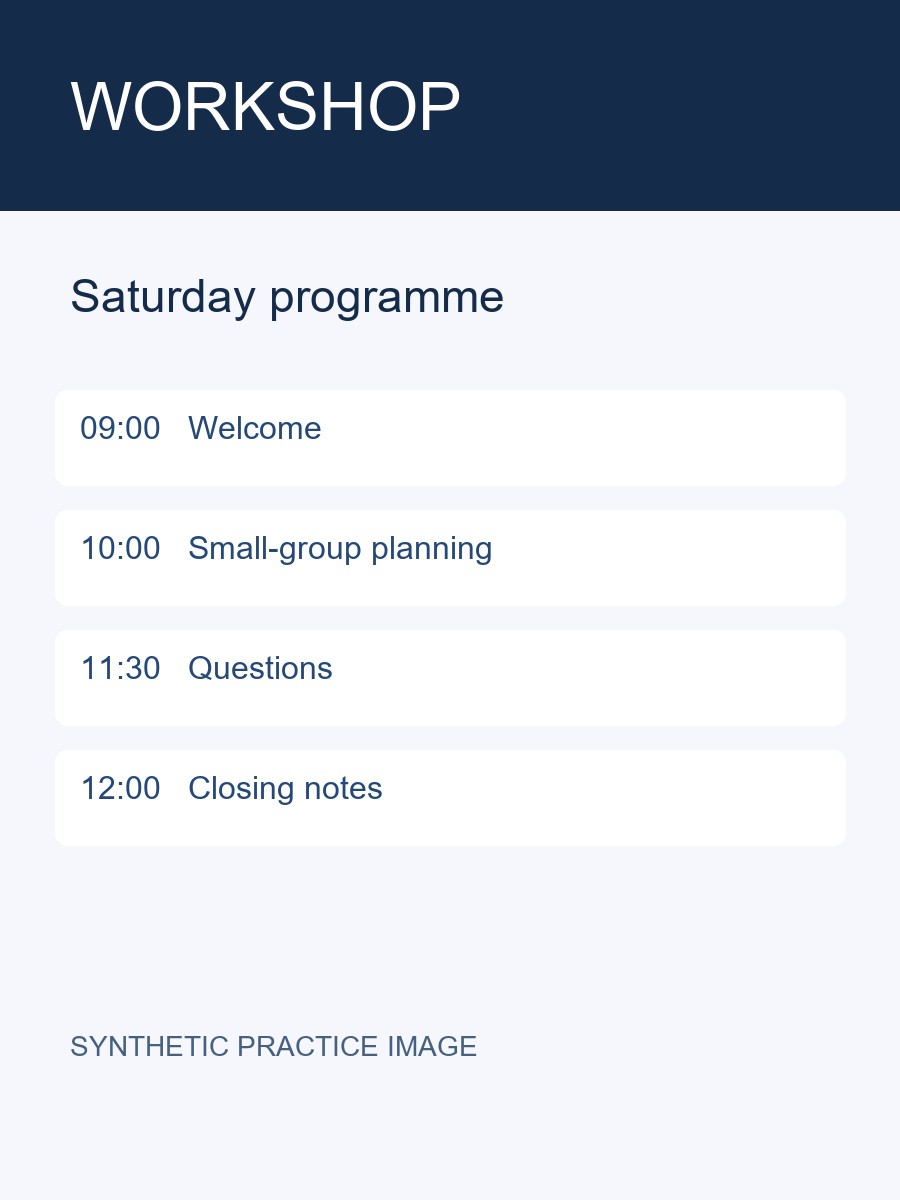
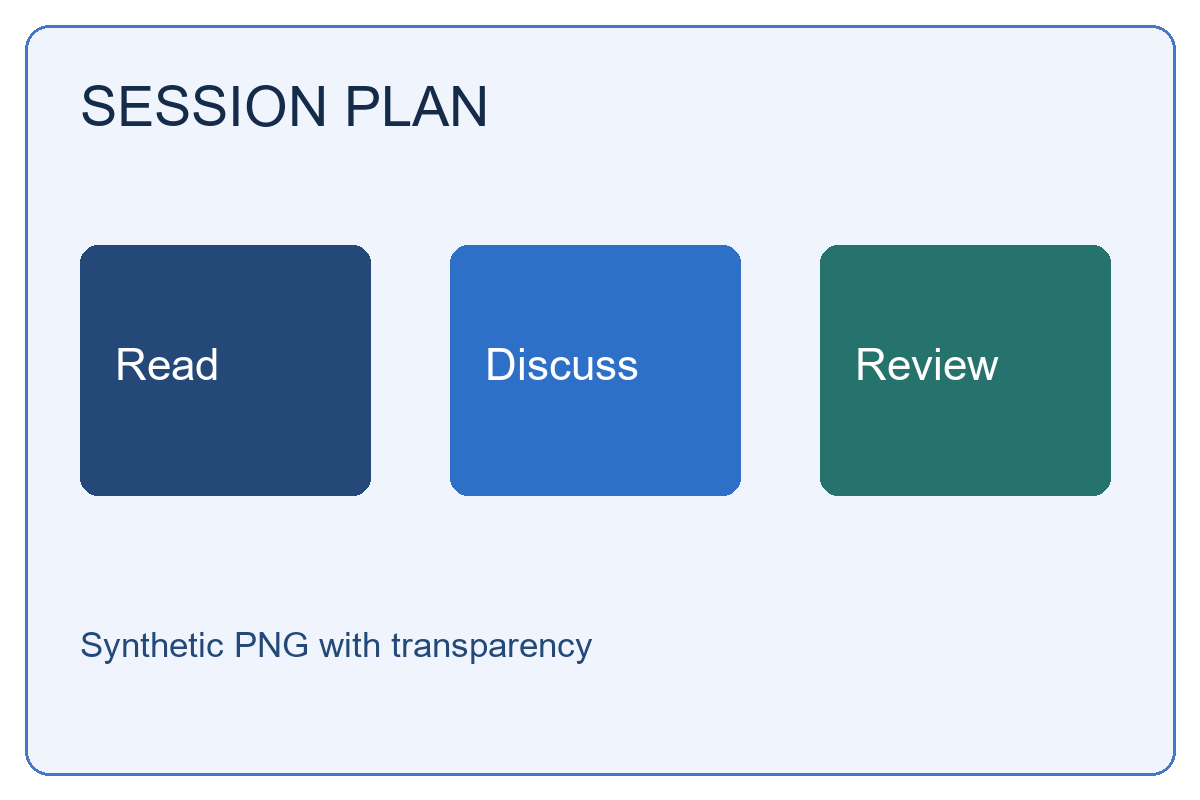
- Open Images to PDF and select the two images. Put the portrait programme first using the image-order controls.
- Choose A4, Portrait, Small margins and 150 DPI. Choose Create PDF, download and inspect both pages.
- Choose Edit images and settings. Change to US Letter and Landscape, keeping small margins and 150 DPI. Create and download this separate version.
210 × 297 mm
11 × 8.5 inches
| Export | Every page, in PDF points |
|---|---|
| A4 portrait | 595.28 × 841.89 |
| Letter landscape | 792 × 612 |
There are 72 PDF points per inch. The PNG’s transparent areas became white in the actual output. Check the downloaded page dimensions, image order, sharpness and margins in a reader. A reader’s print-scaling option can change the printed size even when the PDF page dimensions are correct.
Formats and image limits
Use supported standard 8-bit JPG/JPEG or non-interlaced PNG. Damaged files and unsupported image variants can be refused. Do not assume HEIC, WebP, GIF or TIFF will work because a phone or another app can display them. A renamed extension does not convert an image.
Select up to 5 images, each up to 4 MB, with 8 MB combined. Each decoded image must fit within 2,000,000 pixels, all images within 4,000,000 pixels, and each side within 4,096 pixels. A small compressed file can still exceed the decoded-pixel budget. The PDF result must fit within 2,097,152 bytes (2 MiB).
Image conversion needs canvas rendering inside a browser Worker. See current browser support; a mobile layout does not establish that processing works on every phone. Image metadata is not copied into PDF document properties. Keep your originals.
Practical questions
Can I turn the PDF back into images?
PDF to Images renders supported selected PDF pages as JPG or PNG. It does not retrieve the original embedded image file, and it has its own page, pixel and resolution limits.
Can I make a low-resolution photo sharper with DPI?
No. DPI changes physical placement; it cannot recover missing detail. Inspect the actual download before printing or submitting it. For other questions, check supported files and processing limits.
The practice examples use synthetic documents and were checked against PDFLane source 0005122 in desktop Chromium. They are examples, not guarantees for every document. See current browser support.
Keep your originals. For a problem with a tool, contact PDFLane without sending sensitive documents or passwords. Read the document privacy notice.